
Link to Install the desktop app - Click here
Facing Error?
For Macbook:
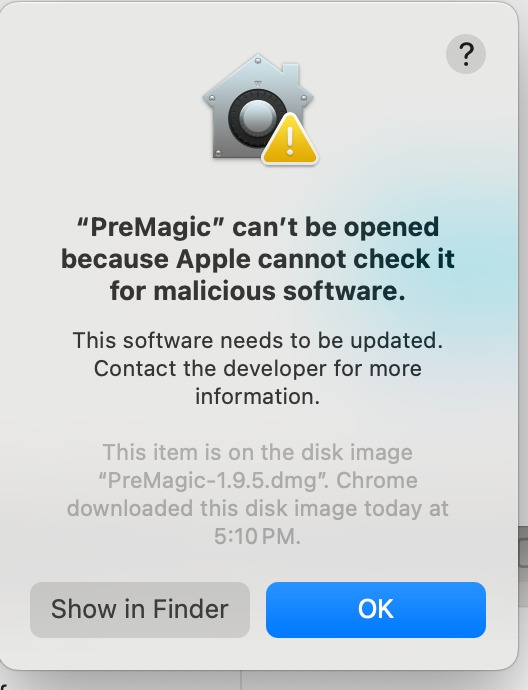
Click on show in finder >> Right click on Premagic Icon >> Click on "open" >> Click on "open anyway"
Video Guide - Here
For Windows
In case there is an issue in running the installation file, click on "more info" >> Click on "run anyway"
Hope this helps!